01 / VariantsWCAG 1.3.1
Sizes without a group name
A row of controls labelled “40, 41, 42” does not tell screen-reader users what those values represent.
BEFORE<div><button>40</button>…</div>
AFTER<fieldset><legend>EU size</legend>…</fieldset>
Retest: the screen reader announces the group name, selected value and number of options.
02 / ErrorWCAG 3.3.1 · 3.3.2
No explanation when the basket action fails
When purchase is attempted without a size, the user receives a specific message and focus moves to the first option.
BEFOREalert('Error');
AFTERerror.textContent = message;
firstSize.focus();
Retest: activate “Add to basket” without a size and verify focus position.
03 / StatusWCAG 4.1.3
The basket change is only visible as a number
A role="status" message announces the product, size and basket count without interrupting the user.
BEFOREcartCount.textContent = count;
AFTER<p role="status" aria-live="polite">…</p>
Retest: after adding the product, the update is announced while focus stays on the button.
04 / DialogWCAG 2.1.1 · 2.4.3
A modal without focus control
The native dialog element limits navigation to the open window. When closed, focus returns to the delivery information button.
BEFORE<div class="modal">…</div>
AFTER<dialog aria-labelledby="shipping-title">…</dialog>
Retest: open the dialog, use Tab and Escape, then verify focus return.
05 / FormWCAG 3.3.1 · 4.1.2
An error message not associated with its field
The promotion code has a persistent label, associated error text and an updated aria-invalid state.
Retest: enter an invalid code, then ACCESS10; verify both the message and field state.
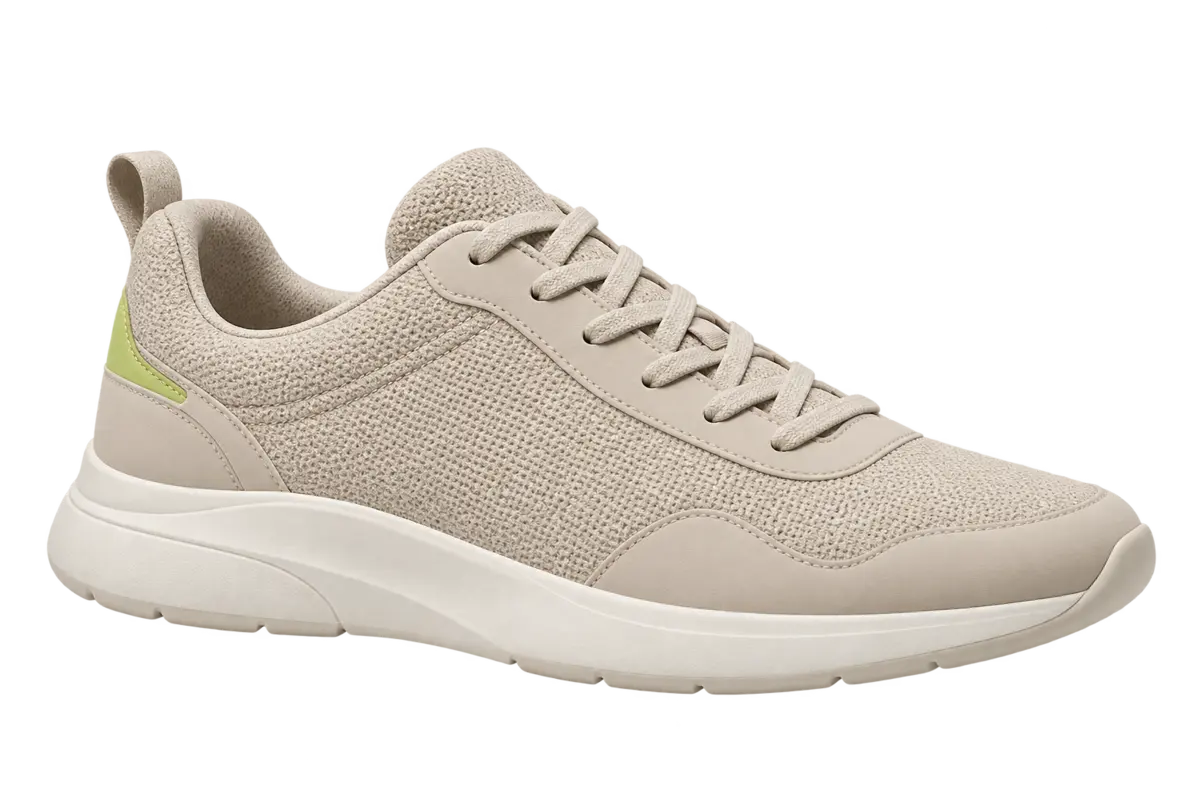
06 / GraphicWCAG 1.1.1
A product graphic without a text alternative
The product image receives concise alternative text, so its meaning does not depend on sight alone.
BEFORE<img src="product.webp">
AFTER<img src="product.webp" alt="Beige Aster One trainer…">
Retest: a screen reader announces the product name and relevant visual characteristics.